
IPTV Xtream Code Not Working? Troubleshooting Guide and Fixes
Your player shows an error, the channel list stays empty or nothing plays at all? An IPTV Xtream Code not working is frustrating, but most problems come down to a handful of causes that you can check yourself in a few minutes.
This guide explains why an IPTV Xtream Code not working error happens, gives you a quick checklist and shows step-by-step fixes for login errors, connection problems, playback issues and device-specific problems.
Please note: IPTVCodeXtream does not sell subscriptions, provide logins or host any streams. Only use services that are authorized to distribute the channels they offer. See our Disclaimer for details.
Why is my IPTV Xtream Code not working?
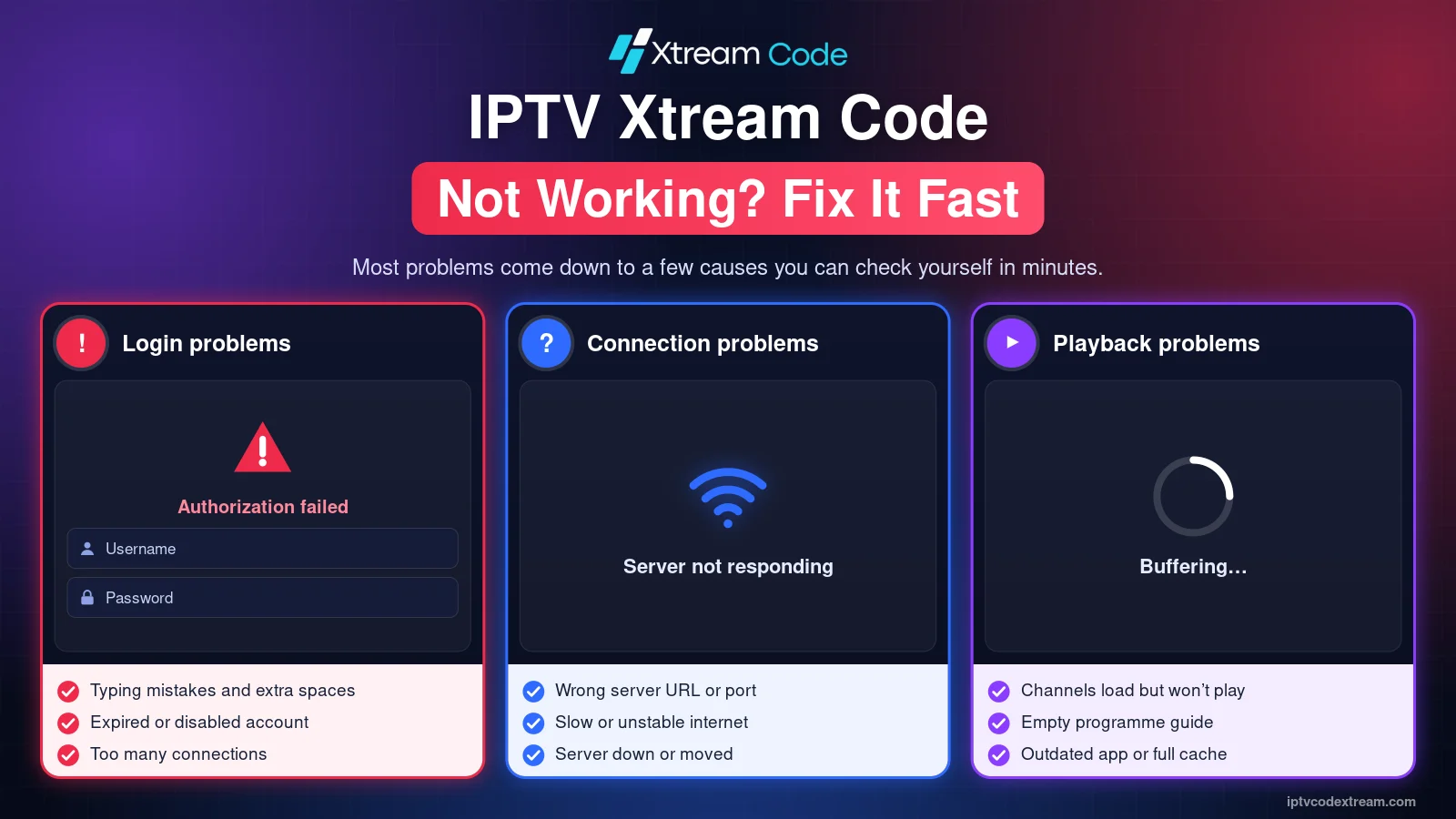
An Xtream Codes login has three parts: the server URL, the username and the password. Your player sends them to your provider’s server, which checks your account and sends back the channel list. If any link in that chain fails, you see an error. The most common causes are:
- Typing mistakes: a wrong letter in the username or password, or extra spaces.
- A wrong server URL: a missing
http://, the wrong port or an old server address. - An expired or disabled account: your subscription or trial has ended.
- Too many connections: other devices are already using all the streams your plan allows.
- Network problems: a slow or unstable internet connection, or a router that needs a restart.
- A server problem: your provider’s server is down or under maintenance.
- An app problem: an outdated player, a full cache or an expired app trial.
Quick checklist: IPTV Xtream Code not working
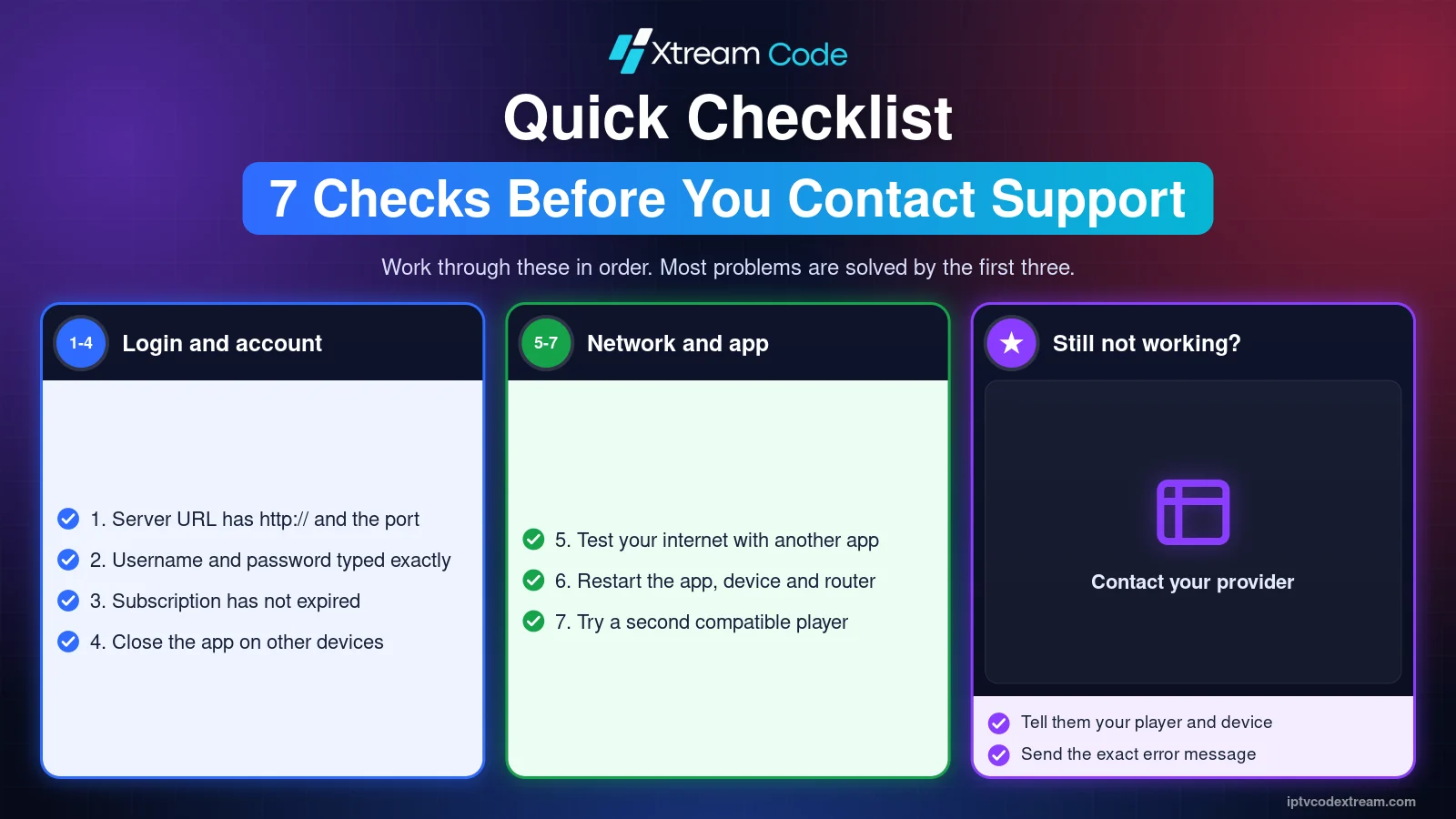
Work through these checks in order before you contact your provider. Most problems are solved by the first three.
- Check that the server URL includes
http://orhttps://and the port number, if your provider gave one. - Type the username and password again, watching for capital letters and extra spaces.
- Check in your player or customer account that your subscription has not expired.
- Close the player on other devices that use the same account.
- Test your internet connection with another streaming app or a speed test.
- Restart the player app, then restart your device and your router.
- Try a second compatible player to rule out an app problem.
Fix IPTV Xtream Code login errors
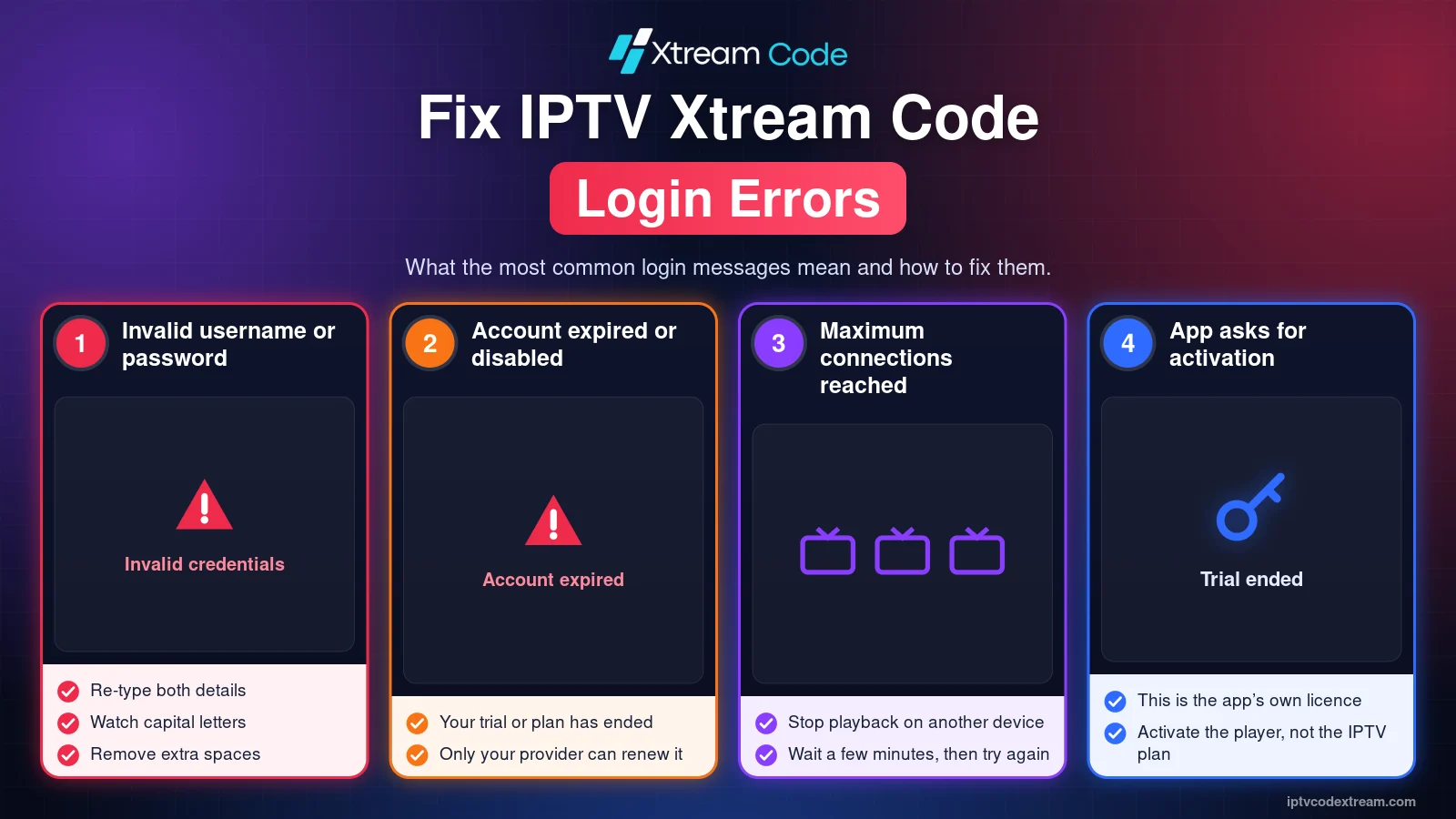
“Invalid username or password”
The server rejected your login. Re-enter both details carefully. Usernames and passwords are case-sensitive, so John and john are different. If you copied them from an email, make sure no space was copied at the start or end. If the error continues, ask your provider to confirm your details.
“Account expired” or “Account disabled”
Your login details are correct, but the account is no longer allowed to connect. Trials usually end after a short time. Only your provider can renew or reactivate the account.
“Maximum connections reached”
Your plan allows a limited number of devices at the same time, and that limit is already in use. Stop playback on another device, wait a few minutes and try again. If you need more screens, ask your provider about a plan with more connections.
The app asks for activation
Some players, such as IBO Player, need a paid activation after the free trial. This is the app’s own licence and has nothing to do with your IPTV subscription.
Fix server and connection errors
If the login screen accepts your details but nothing loads, your IPTV Xtream Code not working problem is probably a connection issue. Try these fixes.
“Unable to connect” or “Server not responding”
The player could not reach the server at all. Check the server URL and port, then open another website or app to make sure your internet works. If everything else works, the server may be offline. Wait a little and try again, or ask your provider for the current server status.
Wrong server URL or port
Copy the complete address from your provider, for example http://example.com:8080. Do not add /get.php or other parts of an M3U link in the server field. If you only have an M3U URL, read our Xtream Codes vs M3U guide to find the right server URL.
Your provider changed the server
Providers sometimes move to a new server address. If your IPTV Xtream Code not working problem started suddenly after weeks without issues, ask your provider whether the server URL has changed, then edit the saved login in your player.
Slow or unstable internet
Test your connection with a service such as Speedtest. HD channels usually need a stable connection of at least a few megabits per second, and 4K needs much more. Use a wired Ethernet connection where possible.
Fix playback problems
Sometimes an IPTV Xtream Code not working problem only affects playback, while the login and channel list look fine.
Channels load but streams will not play
Your login works, but individual streams fail. Open a few different channels. If only some fail, the problem is probably on the provider’s side. If none play, switch to another video player in the app settings, or try the M3U URL in a different player.
Buffering and freezing
Restart your router and your device, close other apps that use bandwidth and pause downloads on other devices. A wired connection usually helps more than anything else.
The programme guide (EPG) is empty
Refresh the EPG in your player’s settings and give it a few minutes. If it stays empty, add the separate EPG link from your provider.
Movies or series are missing
Not every subscription includes on-demand content. Check your plan, then reload the playlist so the player downloads the latest categories.

Where can you get your IPTV Xtream Codes?
Your Xtream Codes login details always come from your IPTV service provider. A player app cannot create them, because players include no channels. If your trial has ended or your details no longer work, only your provider can help.
After you buy a subscription or receive an authorized trial, look for your details in the welcome email, your customer account or messages from your provider. Keep your username, password and server URL private, and never share them publicly.
Looking for a provider? Compare your options using the button below.
Device and app-specific fixes
If your IPTV Xtream Code not working issue only happens on one device, try the fix for that device first.
- Amazon Firestick: go to Settings, Applications, Manage Installed Applications, select the player and clear its cache. See our Firestick guide.
- Android: allow the player to run in the background in the battery settings, and clear its cache under Settings, Apps. See our Android guide.
- Samsung and LG Smart TVs: update your TV software and check that your player is activated. See our Smart TV guide.
- iPhone and Apple TV: update the app in the App Store and reload the playlist. See our iPhone and Apple TV guides.
- PC and Mac: check that your firewall or antivirus is not blocking the player. See our PC and Mac guide.
- Roku: remove and re-add the channel if it stops loading. See our Roku guide.
App guides with their own troubleshooting sections: IPTV Smarters Pro, TiviMate and IBO Player.

When should you contact your provider?
Contact your provider if you have worked through the checklist and your IPTV Xtream Code not working problem continues, if your account shows as expired or disabled, or if all channels fail on every device and every player. Tell them which player and device you use and the exact error message you see.
Frequently asked questions
Why does my IPTV Xtream Code work on one device but not another?
The login is the same, so the difference is usually the app, its settings or the network. Check the server URL on the second device and make sure you have not reached your connection limit.
Why did my IPTV Xtream Code stop working suddenly?
The most common reasons are an expired subscription, a changed server URL or a temporary server problem. Check your account first, then ask your provider.
Can a VPN cause an IPTV Xtream Code not working error?
Sometimes. Some servers block certain connections. If you use a VPN, try once without it to see whether the error changes.
Does reinstalling the app help?
It can fix app errors, but it will not fix a wrong login, an expired account or a server problem.
Is my IPTV Xtream Code safe to share?
No. Sharing your login can use up your connections and may break your provider’s terms. Keep it private.
Conclusion
An IPTV Xtream Code not working error is usually caused by a typing mistake, a wrong server URL, an expired account or a network problem. Work through the checklist above, try a second player and contact your provider only if the problem continues. If you need a new login, read our guide on how to get a free IPTV Xtream Code.
Always get your login details from a legitimate, authorized IPTV provider.